
Install the eCrime.ch Browser Extension
The eCrime.ch browser extension checks the current domain against eCrime.ch intelligence while you browse. It is useful when reviewing websites, suppliers, customer domains, incident reports, and exposed infrastructure.
Install the Extension
Section titled “Install the Extension”Open the Chrome Web Store listing:
Then:
- Click Add to Chrome.
- Confirm the browser permission prompt.
- Open Chrome’s extension menu.
- Pin the eCrime.ch extension so it stays visible in the toolbar.
Connect Your API Key
Section titled “Connect Your API Key”After installation, connect the extension to your eCrime.ch account.
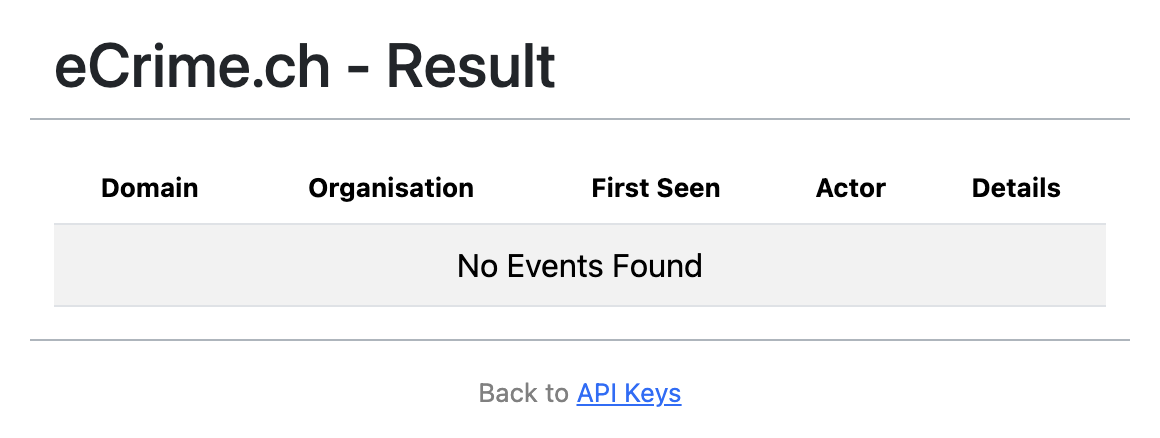
- Click the eCrime.ch extension icon.
- Select Back to API Keys.
- Open your eCrime.ch profile page in the tracker.
- Copy your personal API key.
- Paste the key into the extension settings and save.
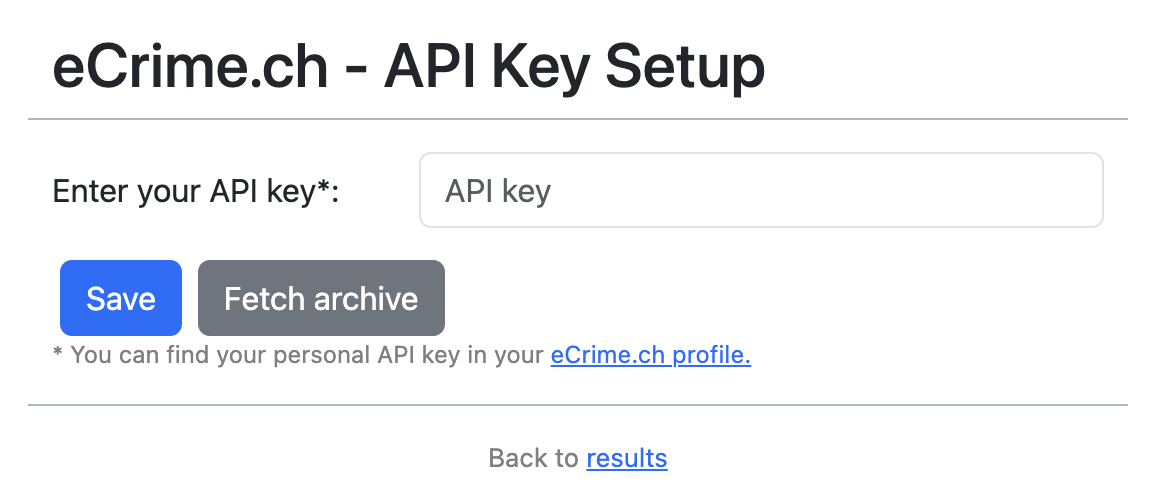
After saving, the extension fetches the domain list and is ready for lookups.
What the Extension Checks
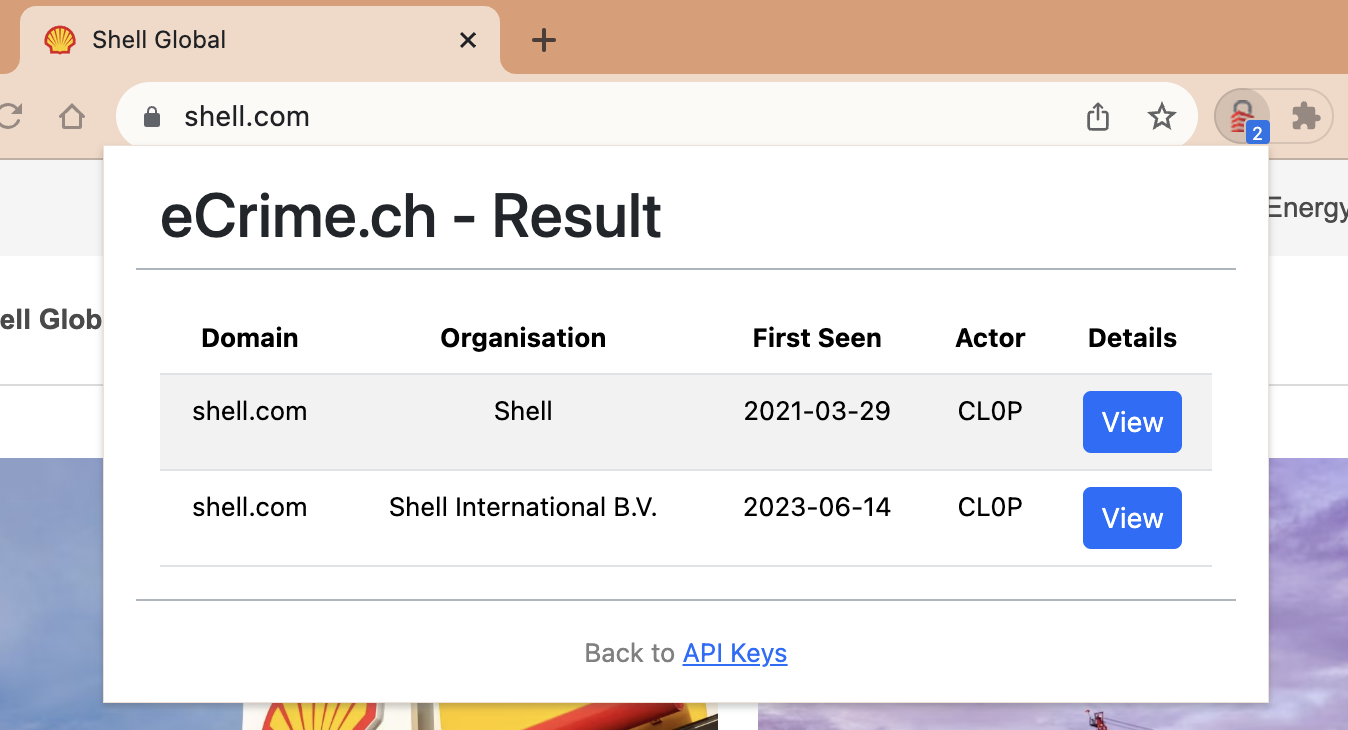
Section titled “What the Extension Checks”When you browse to a website, the extension checks whether eCrime.ch has intelligence related to that domain. A match can help you quickly identify known exposure, event context, or incident history without manually searching the dashboard first.
Troubleshooting
Section titled “Troubleshooting”If the extension does not show results:
- Confirm the extension is enabled in Chrome.
- Confirm the eCrime.ch icon is pinned and visible.
- Reopen the extension settings and save the API key again.
- Check that your API key is still active in your eCrime.ch profile.
- Refresh the browser tab after changing extension settings.
If a lookup result appears incorrect or outdated, verify the domain in eCrime.ch Search and contact support with the domain and expected result.
Security Notes
Section titled “Security Notes”Treat your API key like a password. Do not share it in tickets, screenshots, chat messages, or source code. Rotate the key from your profile settings if it may have been exposed.